
Moog · Synth
Muse MIDI CC chart
All 102 CC numbers of the Moog Muse: both oscillators and the mod oscillator, mixer, two filters, envelopes, the diffusion delay, three LFOs, arpeggiator and voice controls.
102 parameters · 16 sections · plain CC, no NRPN
Oscillators14
Mod Oscillator17
Mixer6
Filters11
Envelopes12
VCA3
Diffusion Delay9
Output2
LFO 1+26
Pitch LFO7
Voice Control3
Clock1
Arpeggiator5
Sequencer1
Assignable2
Performance3
No parameter matches. A number finds that CC exactly, a word finds a parameter or a section.
How the Muse takes CC
Before you send
The Muse ignores CC out of the box. RECEIVE CC is OFF by default and has to be switched on.
Channels
With MULTI MODE on, which is the default, TIMBRE A responds on MIDI IN CHANNEL and TIMBRE B on MULTI IN B CHANNEL. Both default to 1, and the same CC map serves both.
With MULTI MODE off the Muse treats incoming MIDI as if the local keyboard were played.
Source
Transcribed from the Muse manual, Appendix A (firmware 1.4.0), then read against it a second time. The same chart is a printable PDF. Found a wrong number? Write to hello@synthycraft.com and it gets fixed.
Questions people ask
Why does the Moog Muse not respond to CC?
RECEIVE CC is off by default. Switch it on in the settings.
What CC is filter cutoff on the Moog Muse?
Flt1 Cutoff is CC 67 and Flt1 Reso is CC 68. Flt2 Freq is CC 72 and Flt2 Reso is CC 73.
How do I control the two timbres of the Muse separately?
Give TIMBRE B a different MULTI IN B CHANNEL. The CC numbers are the same for both timbres.
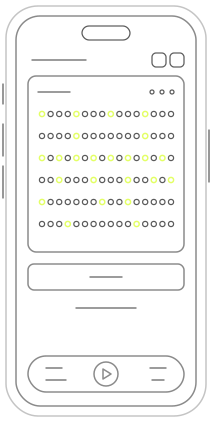
Sequentia for iPhone and iPad
Turn these knobs from your phone
Sequentia has this chart built in. Pick the Muse and its real controls are on your iPhone or iPad as knobs and switches, with a looper for knob movement and tempo-locked LFOs on any CC.