Bestseller

macOS · Torso S-4

S-4 Studio

5.0 · 2 ratings on Gumroad

Your S-4 on one screen. Control all four tracks, map your MIDI controller and prepare samples and scenes before exporting to the hardware.

$39Instant download

Secure checkout through Gumroad

Tracks
4
Scenes
128
Macs / license
3
Platform
macOS 14+

Watch

See it in action

S-4 Studio: every knob of the Torso S-4 on your Mac. Controller, MIDI learn, Scene CreatorYouTube
Torso S-4 Scene Creator macOS AppYouTube

Inside the app

S-4 Studio, screen by screen

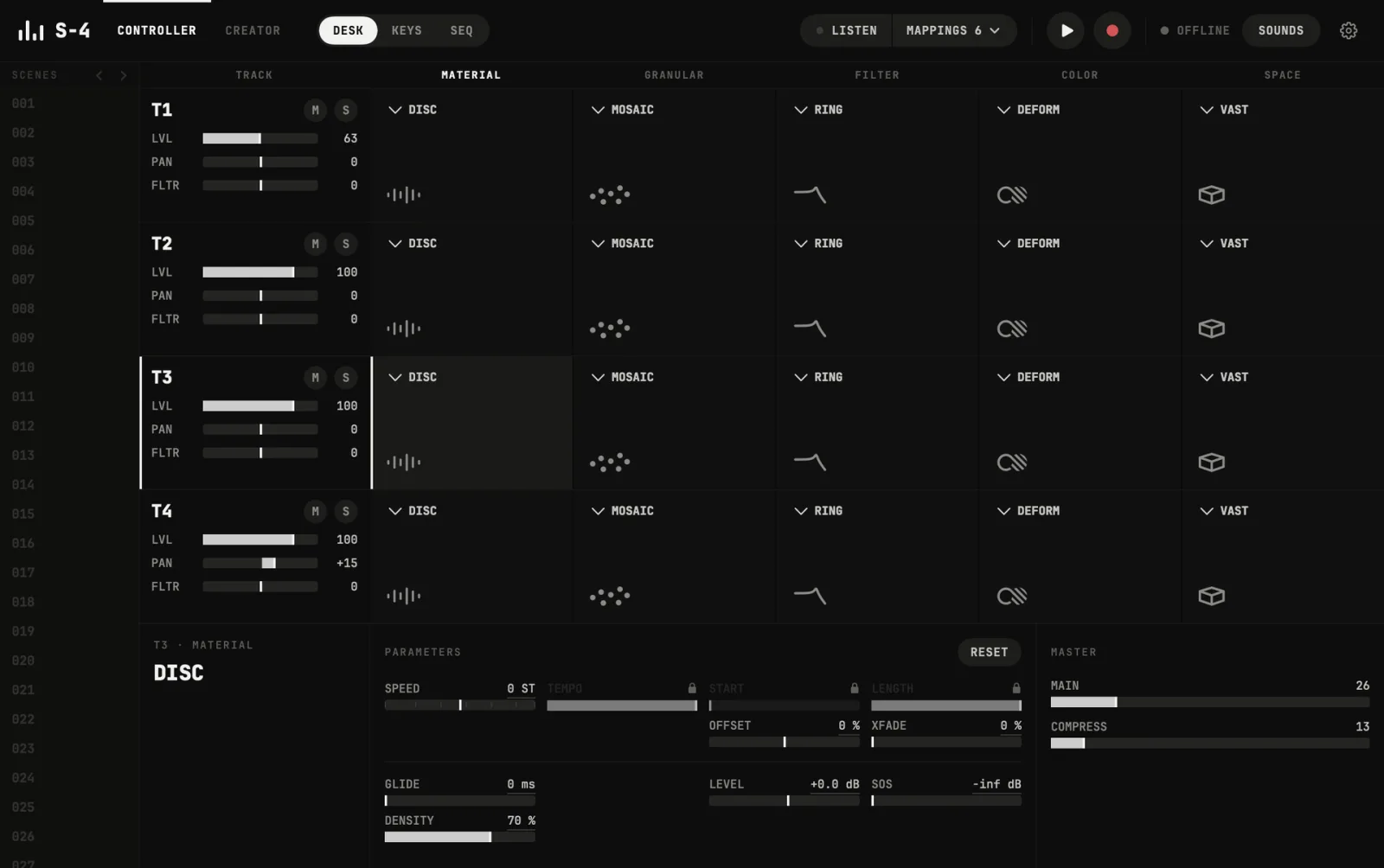
S-4 Studio: Desk
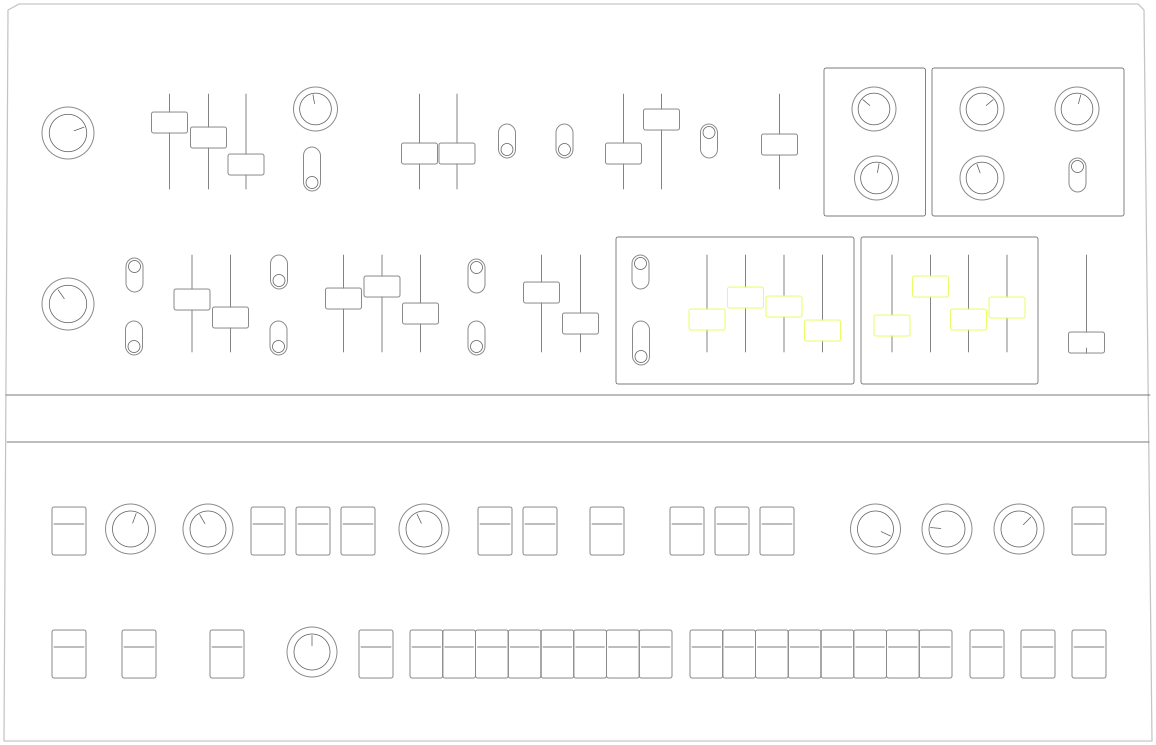
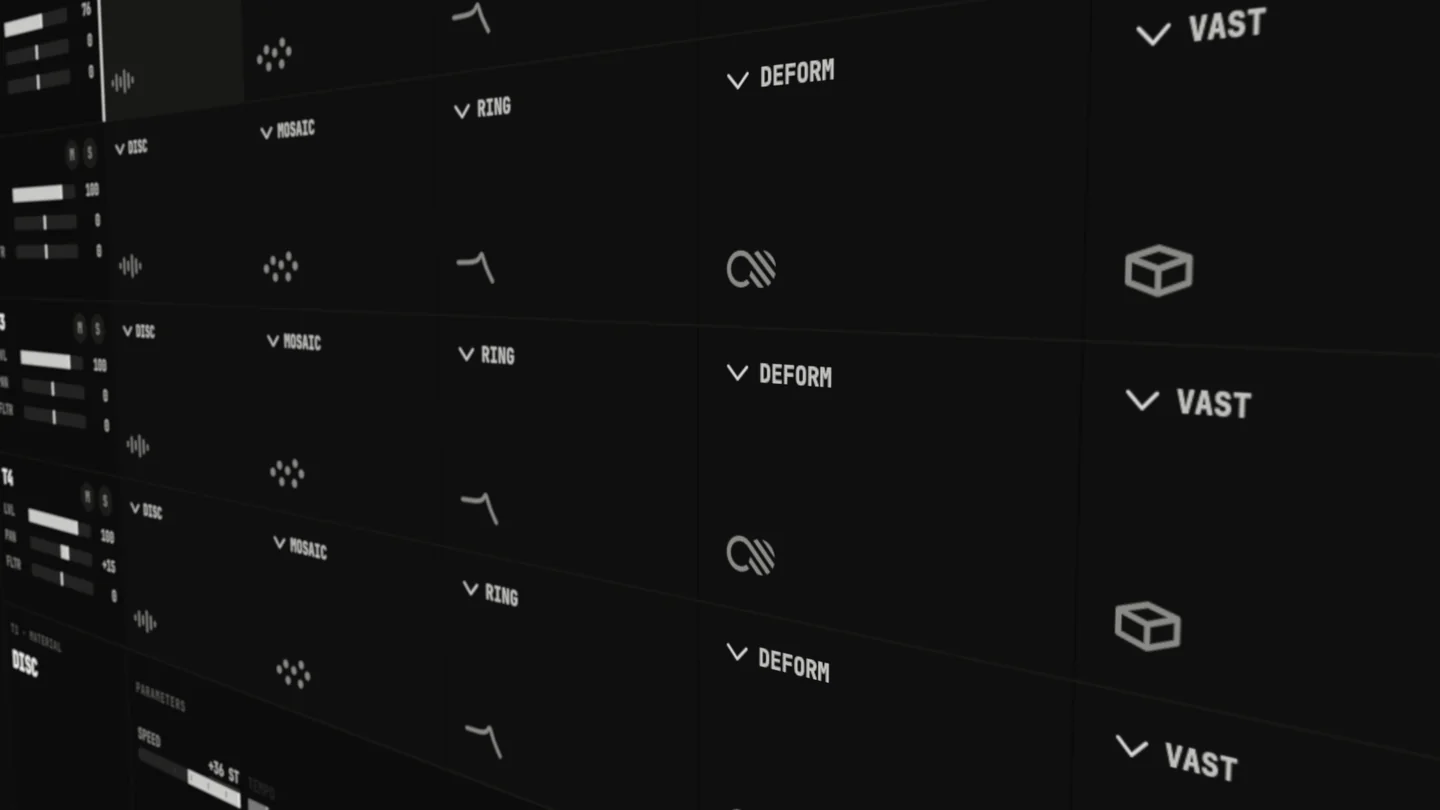
Desk All four tracks and their five effects on one screen, every knob over MIDI.
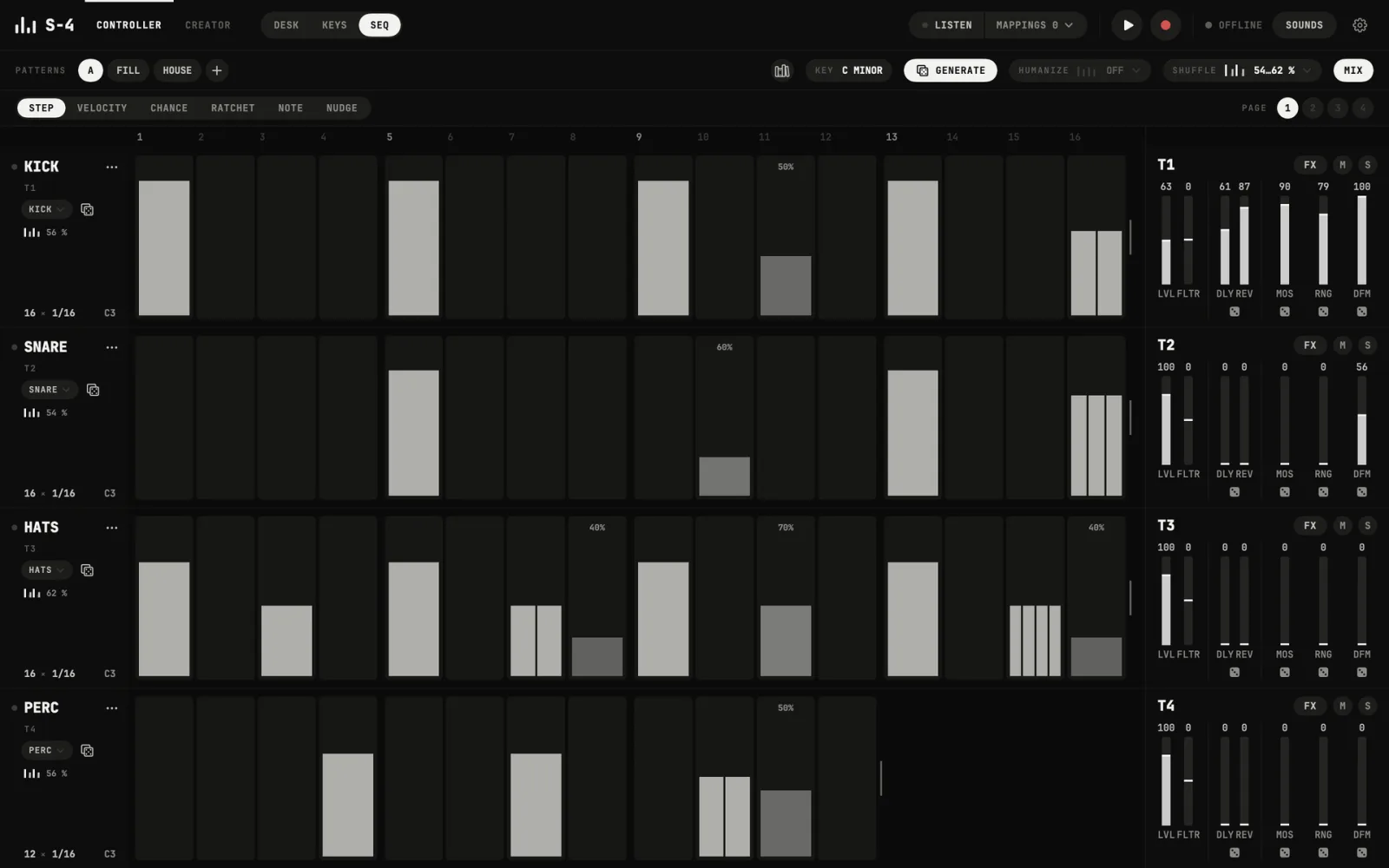
S-4 Studio: SEQ
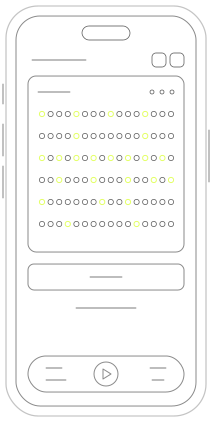
SEQ A part on every track, its own grid, and HUMANIZE beside SHUFFLE.
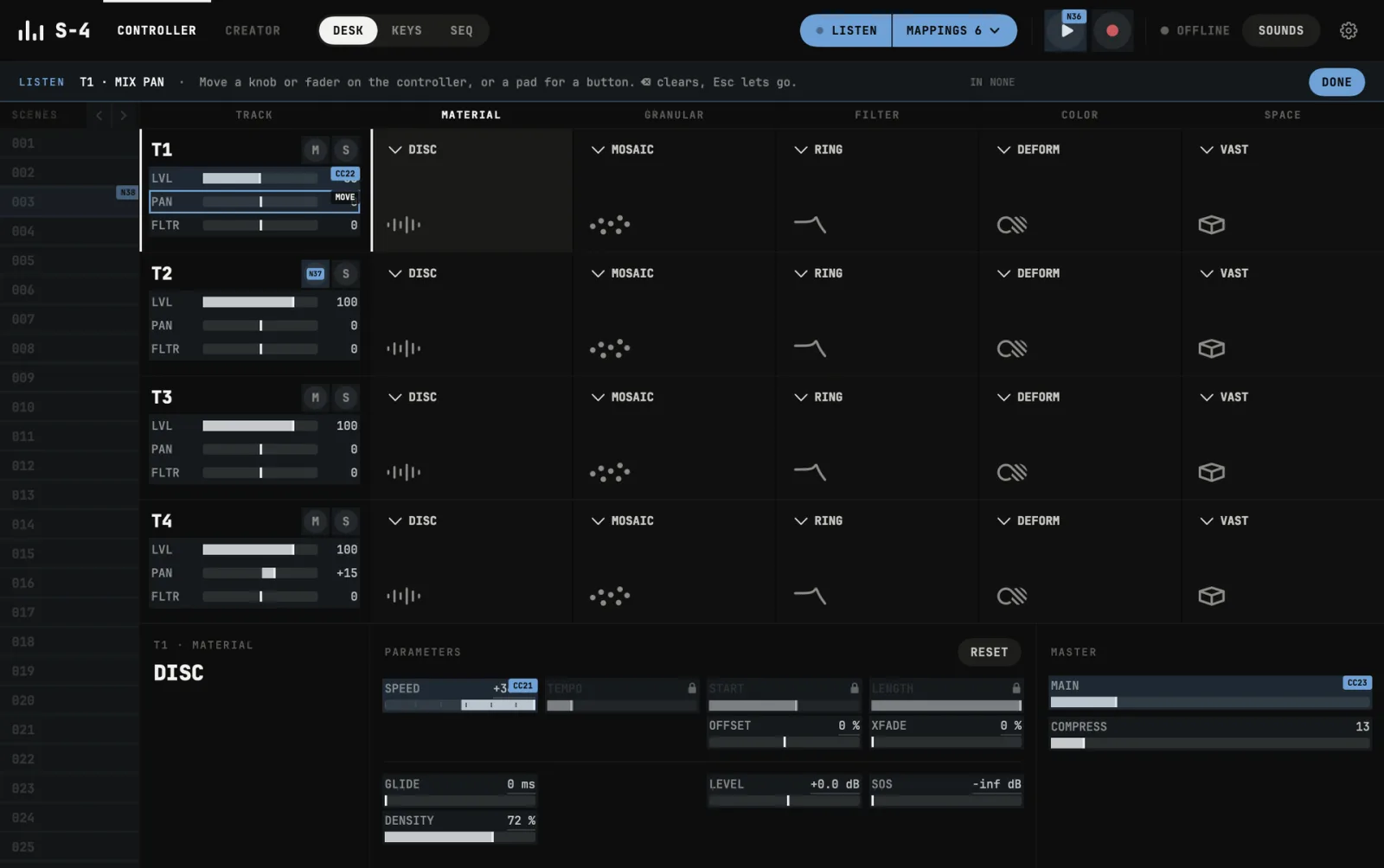
S-4 Studio: LISTEN
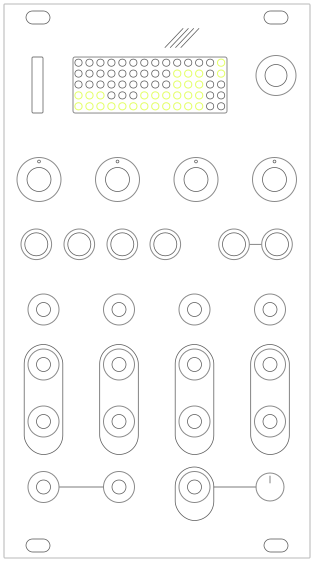
LISTEN Move a knob on your controller and it takes over the S-4 control you picked.
S-4 Studio: Creator
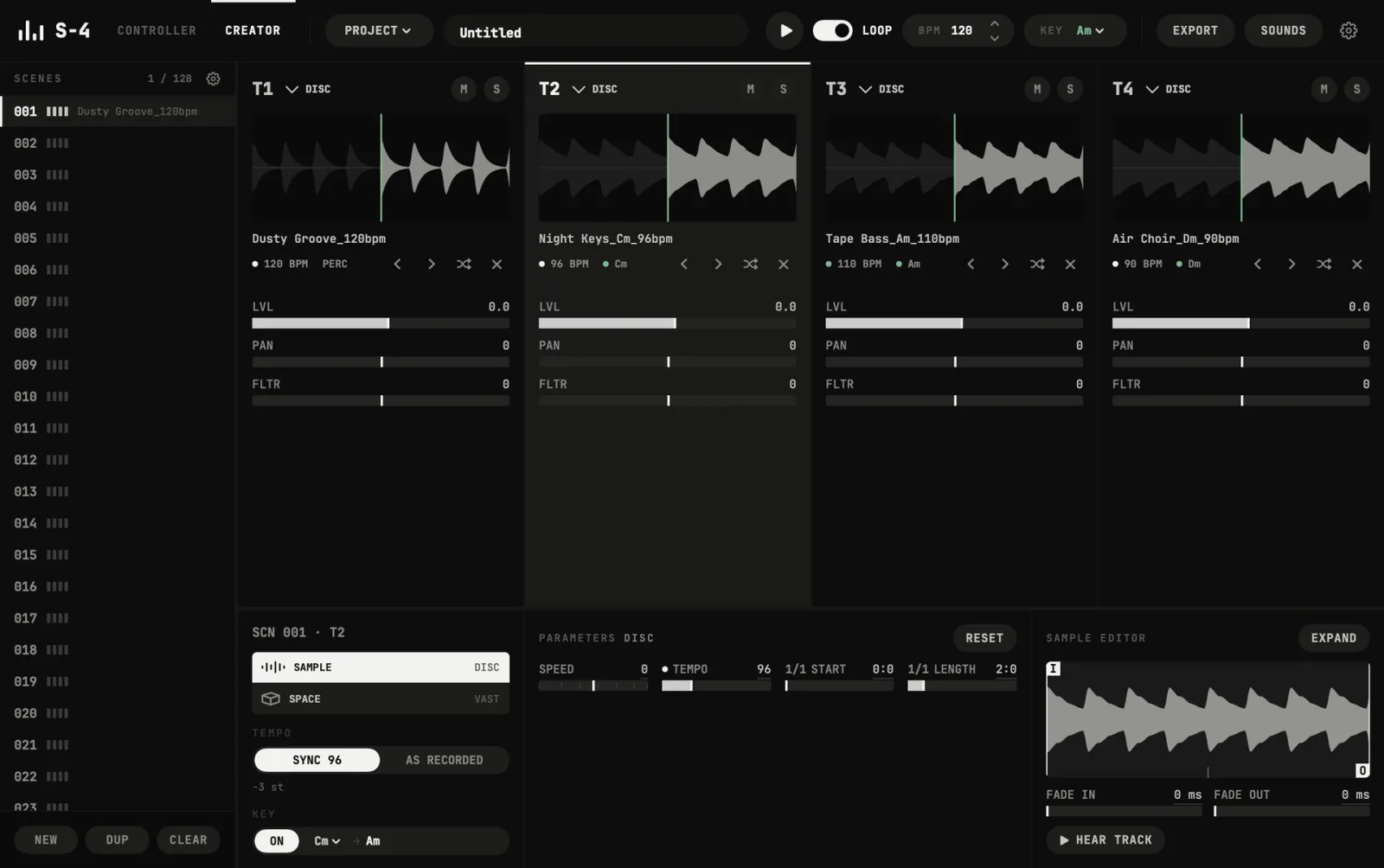
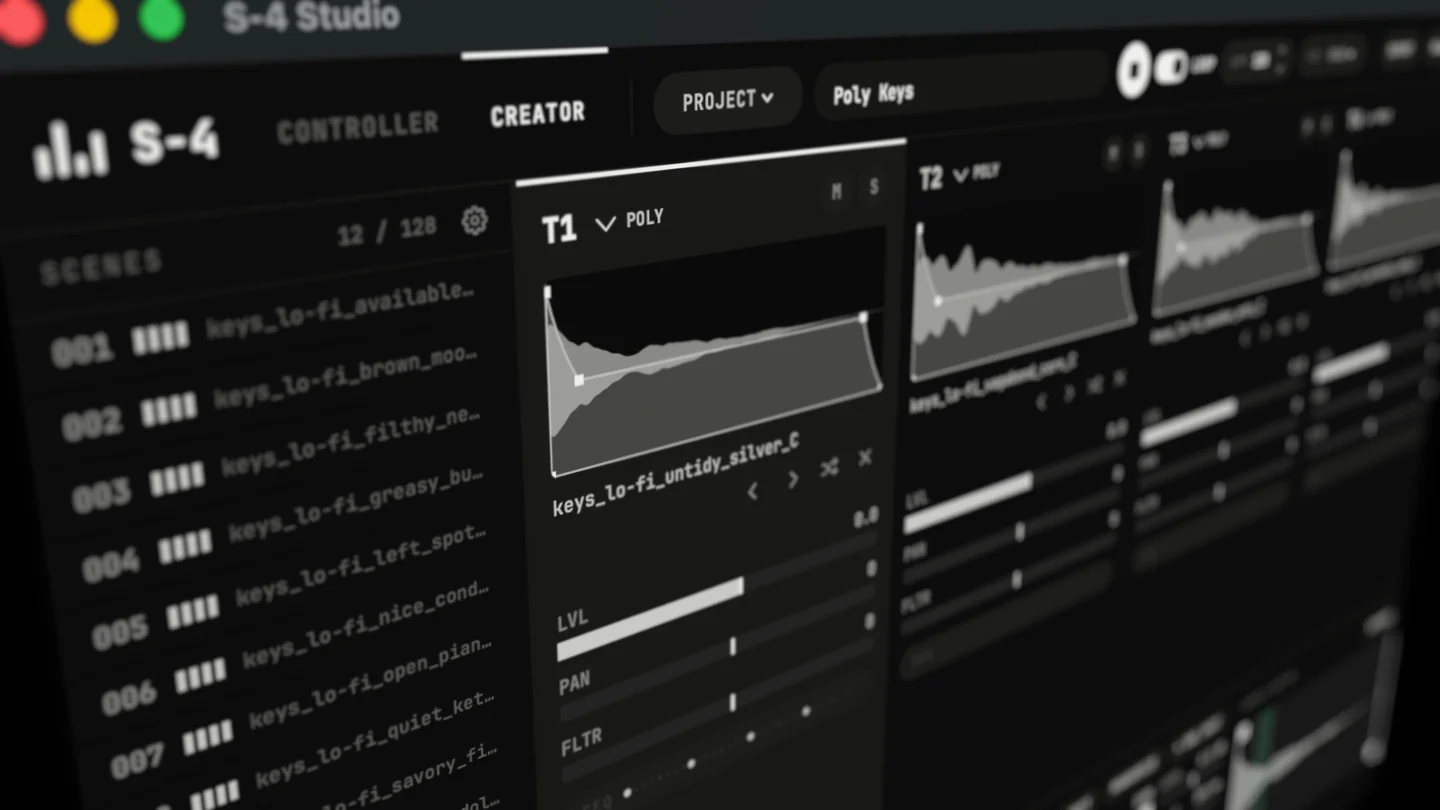
Creator Prepare samples and scenes on the Mac, then export a project the S-4 opens.

What’s new

Version 1.0.6

A sequencer that keeps your patterns, HUMANIZE and a light theme · November 1, 2026

  • SEQ keeps your patternsTiles in the bar, up to 32 in a set, switched on the next bar while it plays. The library keeps patterns between sessions and moves them as a file.
  • Every track writes its own partDRUMS in one of 15 styles, BASS, MELODY, CHORDS or ARP, in the key set in KEYS. LOCK keeps a track as it is.
  • A grid on every trackFrom one bar a step to 1/32 and the triplets.
  • HUMANIZETiming that breathes, velocities that vary, a track ahead of or behind the beat, with presets for all four tracks.
  • Light themeIn Settings, Appearance.
  • FixedThe Creator stops at the S-4's 36 TAPE and POLY samples per project and says so, instead of exporting a project the S-4 cannot open.

Get started

Set up in three steps

  1. 1Prepare the S-4In CONFIG, MIDI, turn on CC control and program change. S-4 OS 2.x is needed.
  2. 2Connect and activatePlug the S-4 into the Mac over USB-C, open S-4 Studio and enter the license key from your Gumroad receipt.
  3. 3Play or buildUse the Desk and SEQ to play the S-4 live, or open the Creator to prepare scenes and export a project to the device.

Details

What it does

The Mac companion for the Torso S-4

S-4 Studio does two things the S-4 can't do on its own. It puts all four tracks on one screen, so you can play and shape the whole instrument at a glance. And it gives you a studio on your Mac to prepare samples and scenes before they reach the device, then sends them over in one export.
Controller: the whole S-4 on one screen

S-4 Studio for Torso S-4: macOS Scene Creator & MIDI Controller — product preview
  • All four tracks side by side, with every slot: MATERIAL, GRANULAR, FILTER, COLOR and SPACE, and every parameter the S-4 exposes over MIDI as a clear fader with real values.
  • The mixer and master section: level, pan and filter per track, MAIN and COMPRESS, mute and solo.
  • Launch any of the 128 scenes, start and stop the S-4, record its main output.
  • Reset or randomize a whole device in one click, then fine-tune by hand.
  • See the S-4's tempo whenever it sends MIDI clock.

LISTEN: map any MIDI controller in seconds

  • Press LISTEN, click a control on screen, move a knob on your controller. That's the whole setup.
  • Knobs, faders and endless encoders, with relative modes recognized automatically. Pads and keys take mute, solo, play and record.
  • Pick-up mode so nothing jumps, a range and an invert switch per assignment, and presets for different controllers or sets.

Scene Creator: prepare your material on the Mac

S-4 Studio for Torso S-4: macOS Scene Creator & MIDI Controller — product preview
  • 128 scenes of four tracks, laid out like the S-4.
  • Drop in samples and their tempo and key are detected.
  • Set one project tempo and one project key: loops are matched to the tempo and shifted into the key, so a whole set of samples from different sources plays together.
  • Browse a folder from any track: step through it, or roll a random sample and hear it at once, already in time and in key. Building a kit or a run of scenes takes minutes.
  • Set the basics the S-4 will start from: DISC, TAPE and POLY settings, start, length and speed, level and pan, and how scenes launch.
  • Play scenes and switch between them on the beat without stopping, as on the S-4. A step sequencer lets you audition POLY kits while you build them.
  • EXPORT writes a complete S-4 project: samples converted to the S-4's format, scenes, settings, the mixer and the tempo, with your library's folders kept.
  • IMPORT opens projects made on the S-4, with their samples and settings, so you can rework them on the Mac and send them back.

Honest about what you hear

The Scene Creator is a preparation studio, not a copy of the S-4.

  • SPACE (the VAST delay and reverb) is simulated, so you can hear a kit's space while you build it. It is close, not identical: the S-4 makes the real sound from the settings you export.
  • GRANULAR, FILTER and COLOR are not simulated. Their character is the S-4's own processing, so they stay on the hardware, where the Controller lets you play them live.

Also inside

  • An automatic backup of the S-4's PROJECTS and SAMPLES every time its disk appears on your Mac, before anything on it can change.
  • Plain answers when something goes wrong: which file is missing, where it was used, and what to do about it.

Requirements

  • A Mac with macOS 14 Sonoma or later.
  • A Torso S-4 with OS 2.x (developed and tested with OS 2.2) and a USB-C cable.
  • A MIDI controller is optional, for LISTEN.

License

  • One key works on up to 3 Macs. Activate once, then it runs offline.
  • The key comes in your receipt email and stays in your Gumroad library.

Support

Write to hello@synthycraft.com. If S-4 Studio doesn't work with your S-4, write within 14 days for a full refund.


S-4 Studio is an independent product by SynthyCraft. It is not made, endorsed or supported by Torso Electronics. Torso and S-4 are trademarks of their owner.

For the Torso S-4

Bestselling Torso S-4 projects

All projects
Bestseller

Ambient

Ambient Machine

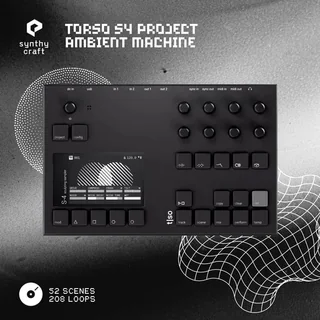
Four layers of evolving sound in every scene. Blend drones, granular clouds and nature-inspired textures with mapped performance controls.

208 samples · 52 scenes

$395.0(1)View project

Bestseller

Experimental

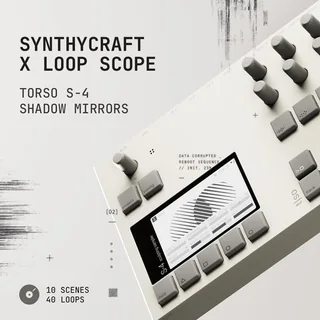
Shadow Mirrors

A collaboration with Loop Scope. Percussion, atmospheres and intricate textures made to be layered, granulated and reshaped.

40 loops · 4 sound families

$195.0(1)View project

Bestseller

Experimental

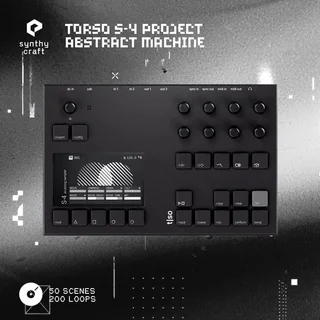
Abstract Machine

Broken beats, spectral sequences and evolving drones. Fifty playable scenes for IDM, ambient and experimental electronic music.

200 loops · 50 scenes

$39View project

Bestseller

Downtempo

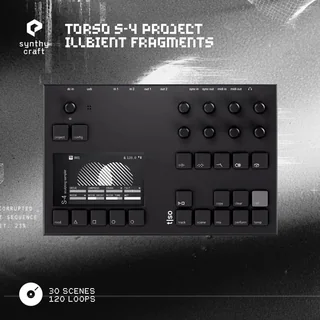
Illbient Fragments

Dusty drums, cassette saturation and dark atmospheres. Thirty scenes rooted in the sound of New York illbient.

120 loops · 30 scenes

$29View project
macOS · Torso S-4

S-4 Studio