Bestseller
macOS · UDO Super 6
Patch Studio for UDO Super 6
Explore patches, shape the synth and back up your library. A native Mac editor with sound generators built around the Super 6.
- Patches
- 274
- Parameters
- 68
- Generators
- 7
- Platform
- macOS 14+
Watch
See it in action
Inside the app
Patch Studio for UDO Super 6, screen by screen
Get started
Set up in three steps
- 1Connect the Super 6Over USB or a MIDI interface, and turn on CC Receive on the synth.
- 2Open and activateOpen Patch Studio and enter the license key from your Gumroad receipt. One key covers three of your Macs.
- 3Play with patchesSend any of the 274 patches to the synth, shape it from the Mac, or let a generator make a new one. Back up your own patches to the library.
Details
What it does
The desktop patch manager the UDO Super 6 never had.
Patch Studio is a native macOS app that talks straight to your UDO Super 6 over CoreMIDI. Browse and audition hundreds of ready-made patches, shape every parameter from a proper panel, roll fresh sounds with the generator, and keep your synth's patch library safe with one-click backups. No DAW, no plugin host, no cloud account. Just plug in and play.
Built by a Super 6 owner who wanted one and could not find it.
WHAT YOU GET
274 ready-made patches
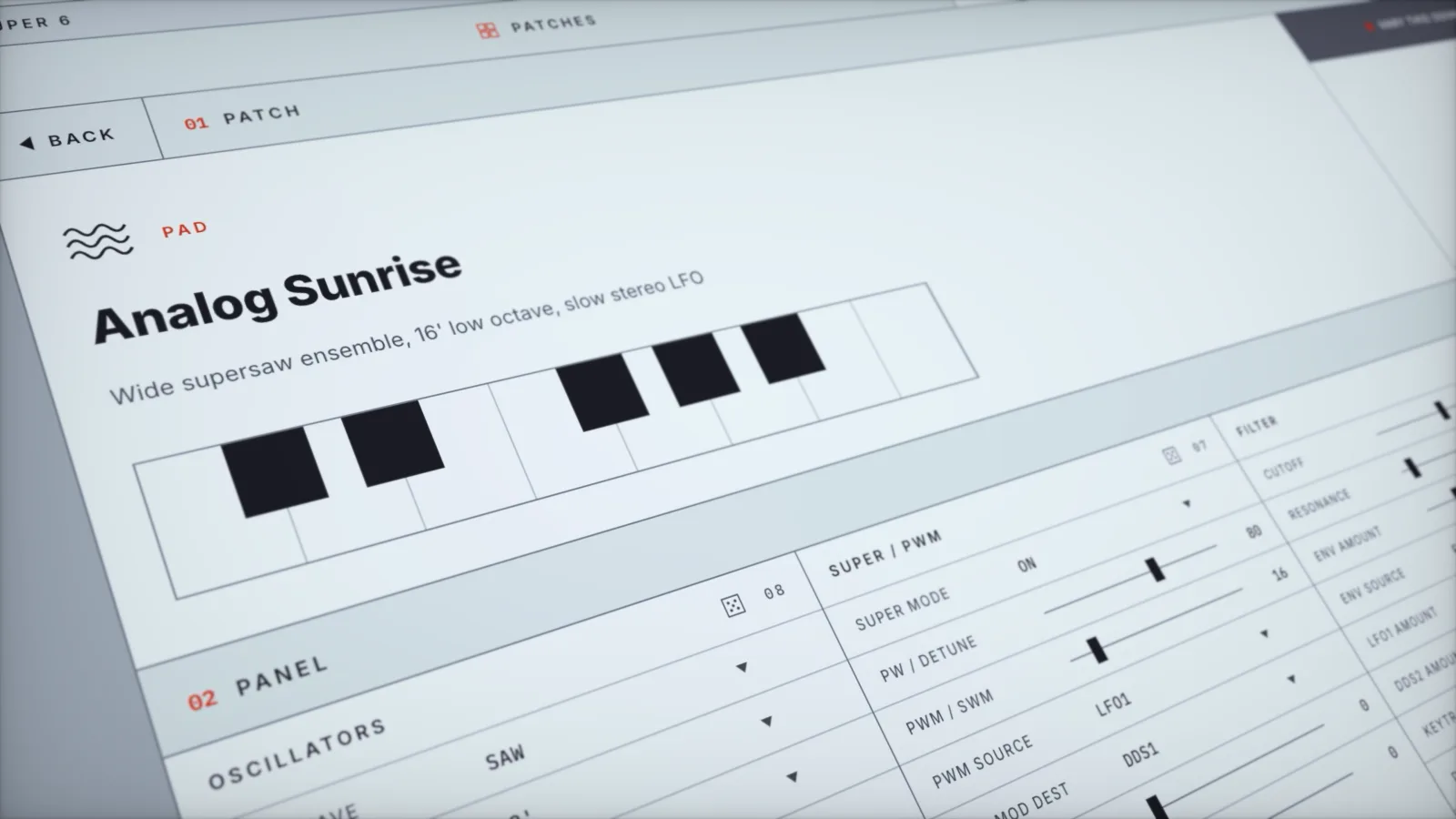
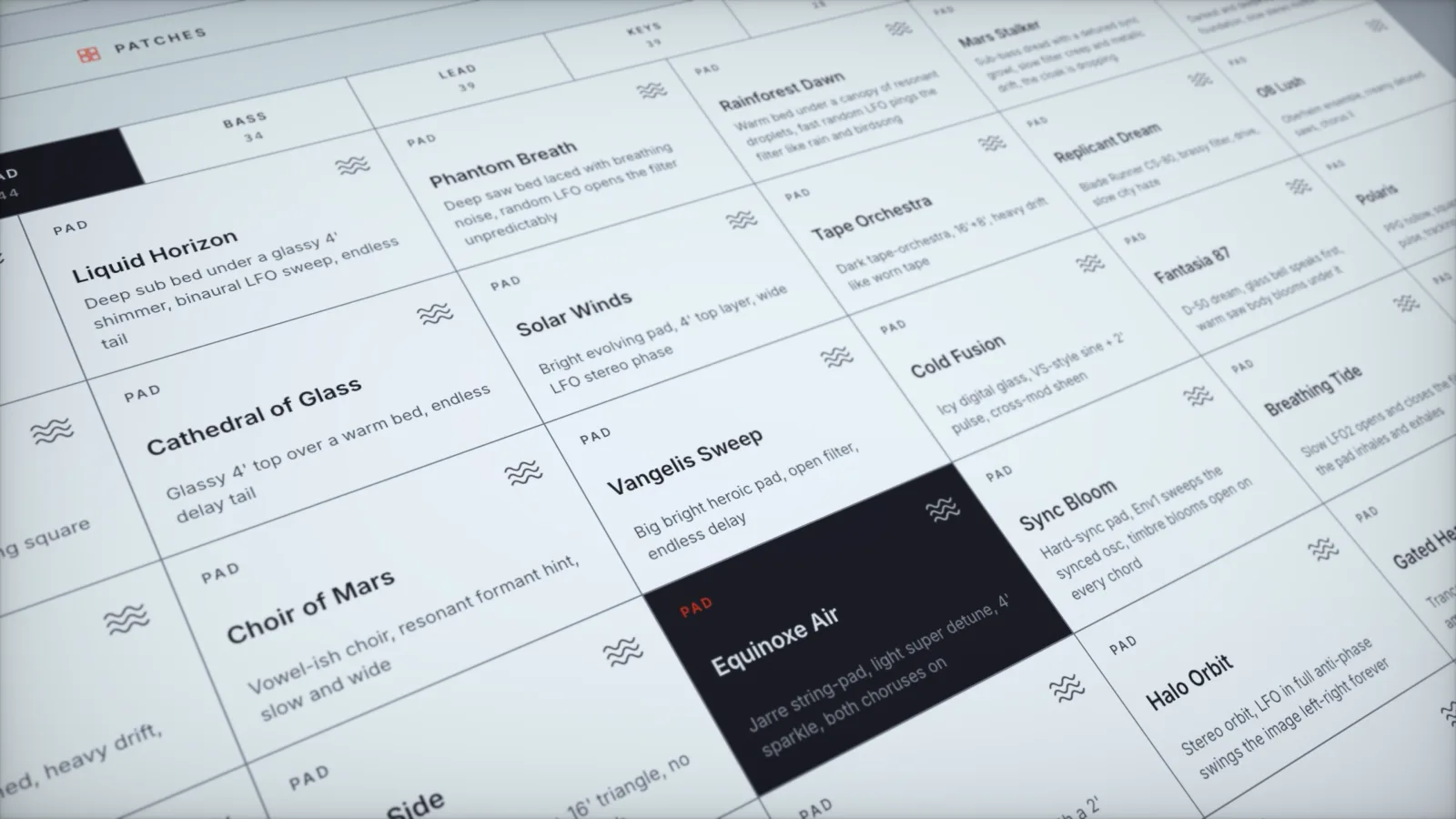
A full library across eight families: 44 Pads, 40 Leads, 39 Keys, 36 Basses, 30 Stabs, 30 Drums, 28 Drones, 27 Plucks. Every patch has a description, so you know what you are loading before you load it. Search by name, filter by family, keep the good ones in Favorites.
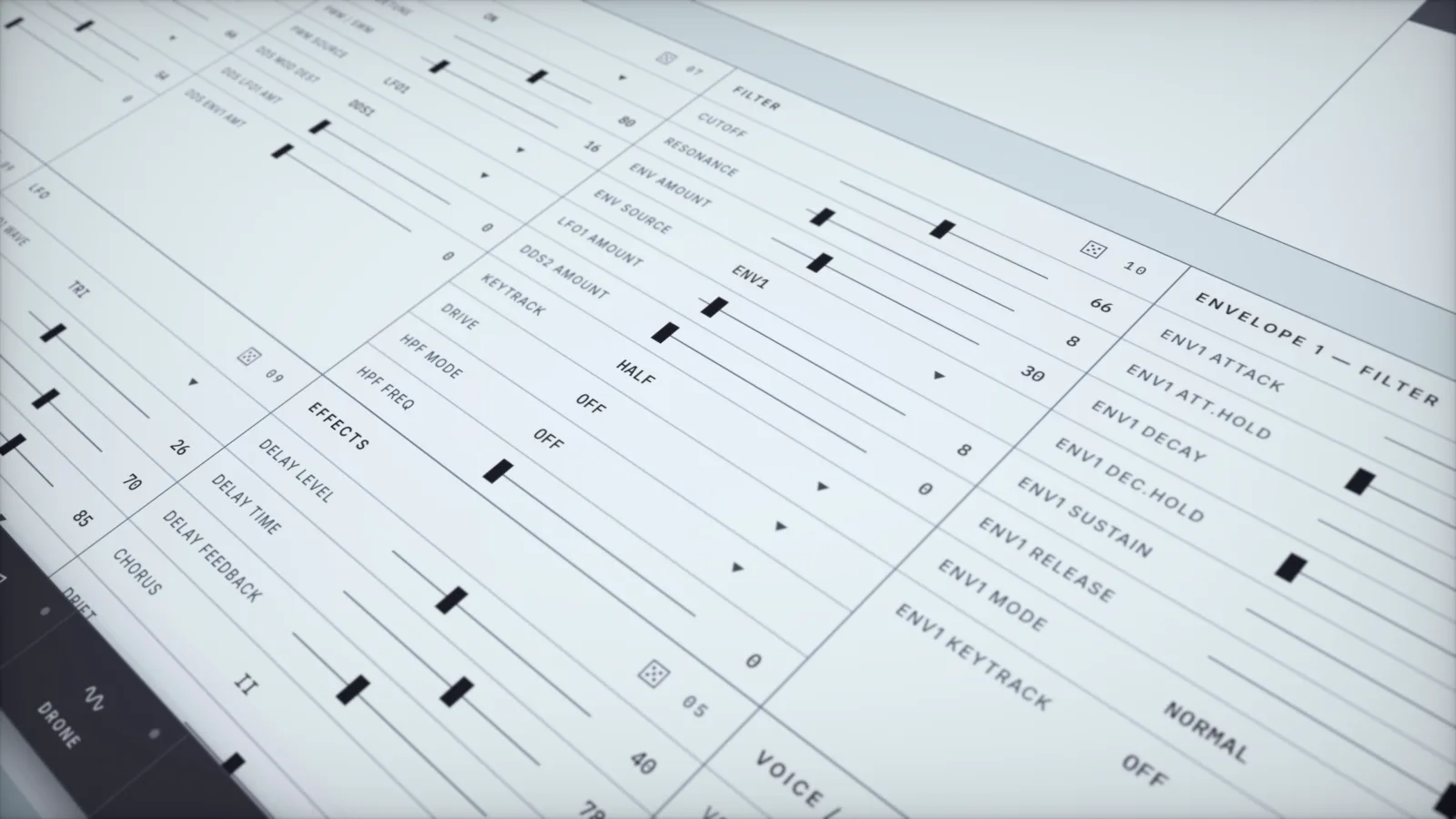
Live control of all 68 parameters
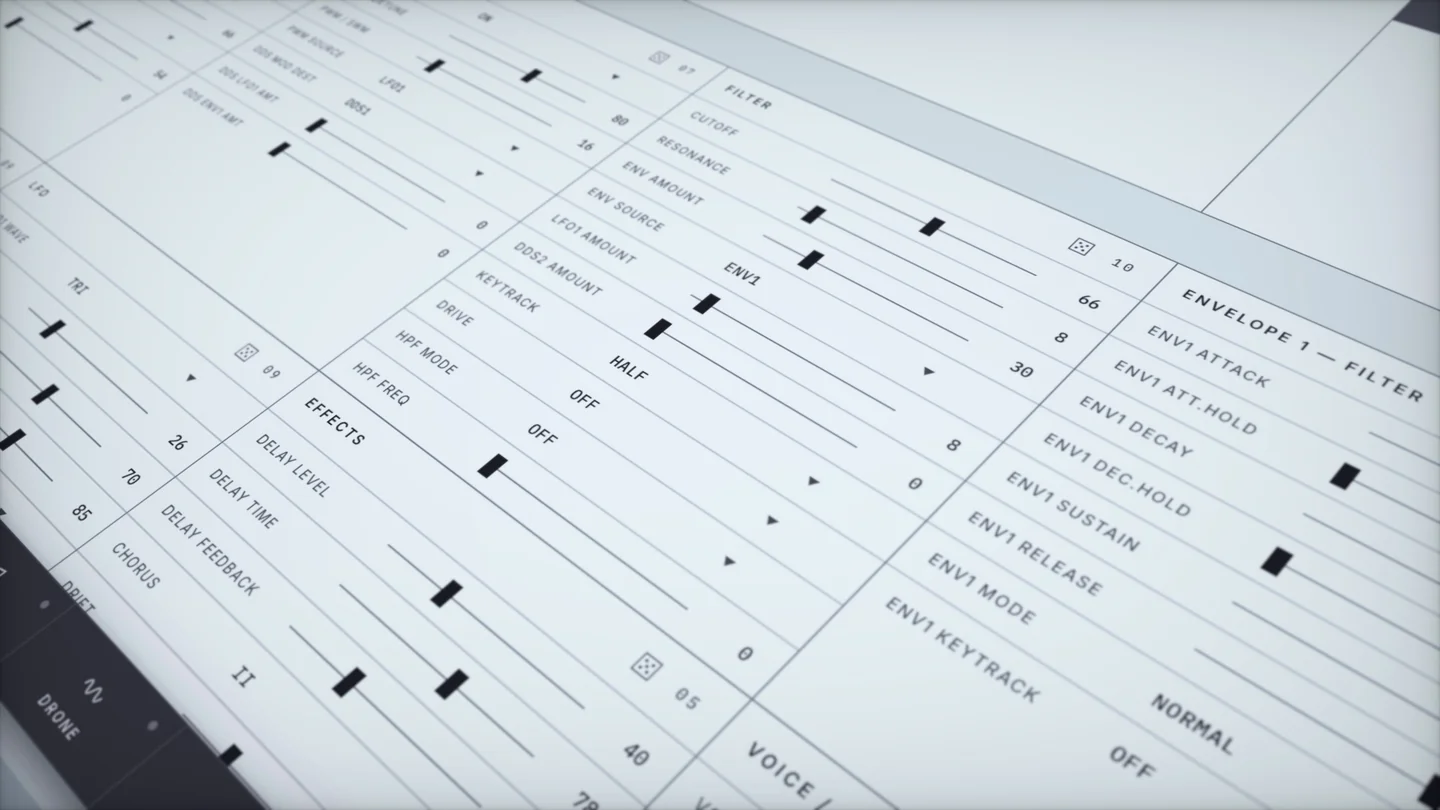
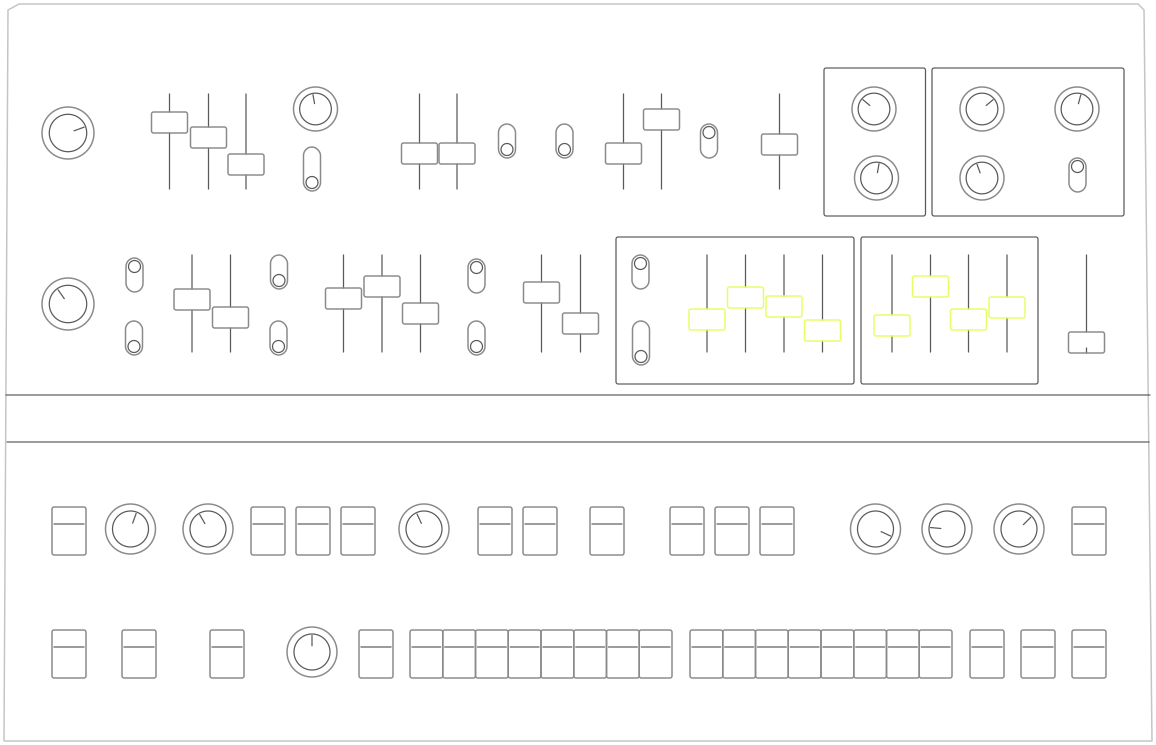
A complete panel across nine groups: Oscillators, Super / PWM, Filter, Envelope 1 (Filter), Envelope 2 (Amp), LFO, Effects, Voice / Performance, and Arpeggiator. Move a fader in the app and the synth follows instantly. Move a knob on the synth and the app follows back.
A patch generator that actually knows the synth
Seven rule-based generators (Pad, Bass, Lead, Keys, Arp, Strings, Drone) that build coherent patches, not random noise. Roll a whole patch, roll a single group with the dice, or take any sound and hit Vary to explore around it.
Audition without touching a keyboard
Play any patch straight from the app: Chord, Sequence, Melody, or a held Drone, with live octave and BPM control. There is a playable mini keyboard, and your computer keyboard plays notes too.
Super 6 Disk: browse and back up your synth's patches
Put the Super 6 into disk mode and Patch Studio reads your hardware library: every patch, by name, organized by bank. Back up the whole library to your Mac in one click, restore it, or export a single patch to a file. Whole patch files are moved intact, so nothing is lost in translation.
Your own patch library
Save your sounds, name them (there is a name generator if you are stuck), describe them, sort them into categories, mark favorites, duplicate and edit. Import and export patches as files to share with other Super 6 owners.
Made for macOS
A real native app in SwiftUI. Native menus, keyboard shortcuts, undo and redo on every edit, and a design modeled on the instrument itself. Signed and notarized by Apple, so it opens without warnings.
REQUIREMENTS
macOS 14 (Sonoma) or later. Apple Silicon and Intel.
A UDO Super 6 (Desktop or keyboard) connected over USB or MIDI.
CC Receive enabled on the synth: SHIFT, then TX/RX E, then CC receive on.
The Super 6 Disk features need the synth booted into its patch disk mode (hold PATCH while powering on).
LICENSE
One license key works on up to 3 of your Macs. Activate once, then it works fully offline. No subscription, no account, no phoning home while you work.
HONEST NOTES
Patch Studio sends parameters to the synth. It cannot read a patch's sound back out of the synth, because the Super 6 does not transmit its patch over MIDI on recall. That is a limitation of the instrument, not the app.
The Modulation Matrix is assigned from the front panel only and has no MIDI representation at all, so no editor, including this one, can reach it.
The Super 6 Disk features browse, back up, restore and move whole patch files. They do not decode a patch's individual parameters, because UDO has not published the patch file format.
DISCLAIMER
Patch Studio is an independent, unofficial tool created by SynthyCraft. It is not affiliated with, endorsed by, or supported by UDO Audio Ltd. "UDO" and "Super 6" are trademarks of UDO Audio Ltd, used here only to describe the hardware this app works with.
macOS · UDO Super 6
Patch Studio for UDO Super 6
$39
Buy nowAlso from SynthyCraft
More apps
Free